
Notes
The Notes tab is a dedicated rich-text editor for freeform mission notes. Unlike the plain-text notes field in the Misc tab, this renders as its own kneeboard page with full formatting support -- ideal for briefing notes, ROE, or supplemental information.
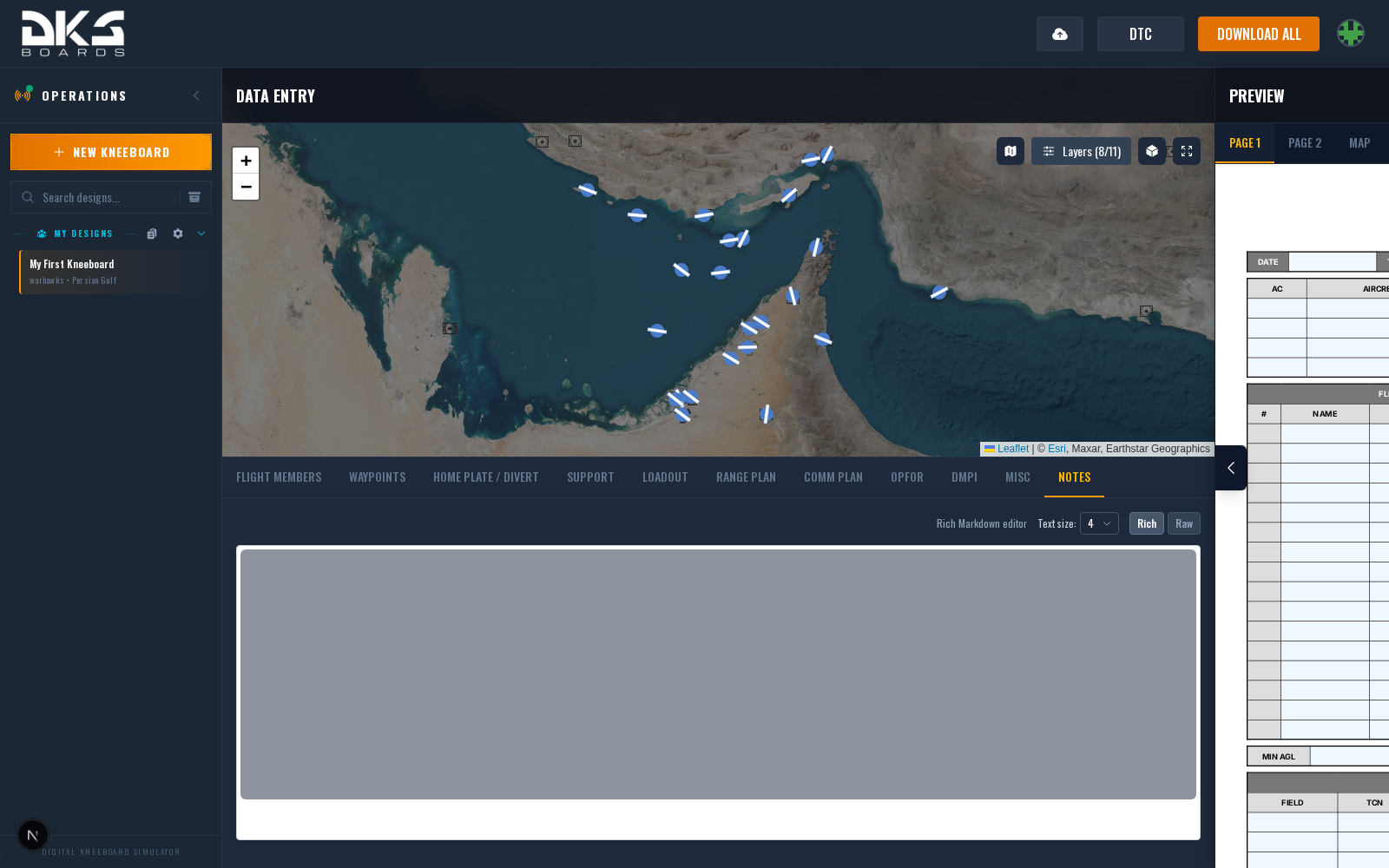
Rich Text Editor
The toolbar provides:
- Bold, italic, and underline text
- Headings (H1–H6 via the block type dropdown)
- Bulleted and numbered lists
- Links
- Inline code and code blocks
- Blockquotes
- Tables
- Image upload (when enabled)
- Page Break button for multi-page notes
Rich / Raw Toggle
Switch between Rich and Raw mode using the toggle buttons in the toolbar area. Raw mode shows the underlying Markdown directly, useful for precise formatting or pasting content from external sources.
Text Size
The Text Size dropdown (1–7, default 4) controls font size on the exported kneeboard. Lower values fit more content; higher values improve readability.
Image Upload
Click the image toolbar button to upload an image. Accepted formats are PNG, JPEG, and WebP, with a 2 MB size limit. Uploaded images embed in your notes and render on the exported kneeboard at their original aspect ratio.
Page Breaks
Insert a horizontal rule (via the Page Break toolbar button, or --- in raw mode)
to split notes across multiple kneeboard pages. Each section between rules renders as
a separate page in the export.
If your notes contain no page breaks, all content renders on a single kneeboard page. Content that overflows the page boundary will be clipped, so use page breaks or reduce the text size for longer notes.