
Package Flights
Package flights let you group several kneeboard designs under one master design. Use packages when you're planning a multi-flight mission (strike package, BARCAP + DCA, CAS with AWACS support) and want the flights to share common data while each keeping its own loadout and crew.
Master and Flights
A package consists of:
- The master design — Holds shared mission data: waypoints, home plate, support assets, OPFOR, bullseye, weather, and notes. You do not export the master directly; it's a container for common data.
- Flight designs — One per flight. Each flight owns its crew, loadout, comm plan, and timeline slot. By default, flights inherit everything else from the master.
Creating a Package
Two ways to create a package:
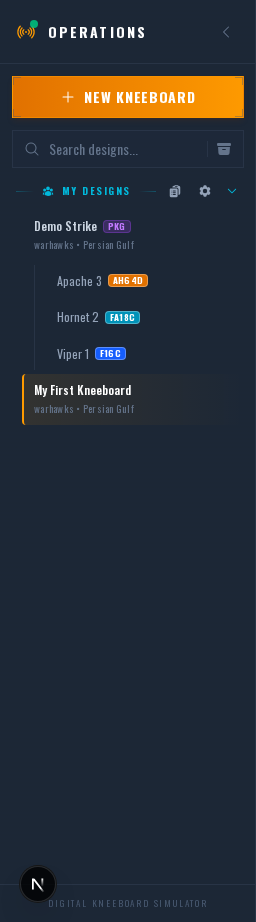
- From scratch — Click + New Kneeboard in the sidebar and toggle the dialog from Kneeboard to Package at the top. Fill in the package name, pick the theater and template pack, then add flights to the list before creating.
- From an existing design — Right-click a design in the sidebar and select Organize → Convert to Package. The design becomes the master, and you can add flights beneath it from the package's context menu.
Inheritance
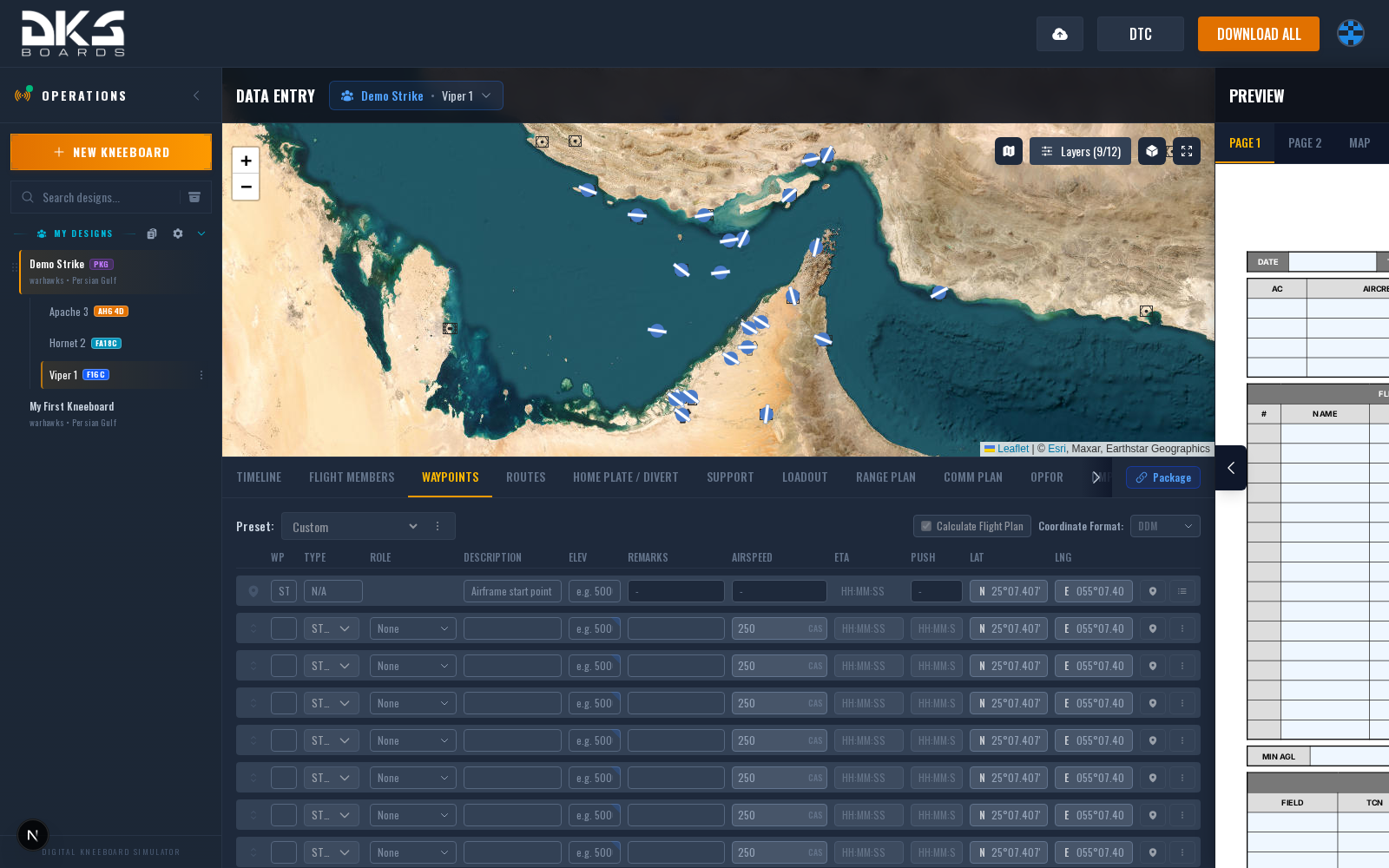
Each data tab on a flight design has an inheritance toggle at the top. When inheritance is on (the default for shared sections), the flight uses the master's data for that section and cannot edit it. When off, the flight has its own copy and edits are local to the flight.
Default inheritance on a new flight:
- Inherited from master — Waypoints, Home Plate, Support / Tanker, Range Plan, OPFOR, Misc, Control Measures, Notes
- Flight-owned — Flight Members (always custom), Loadout, Comm Plan
Toggle inheritance off on a per-flight basis whenever you need a flight to diverge — for example, if one flight is using a different divert field.
The Comm Plan tab has a third option: instead of flight-owned (Custom), it can also be linked to the Package comm plan. Linked flights get an auto-generated preset grid driven by the Package Agency Manager — see below and the Comm Plan page.
Timeline Tab
Package flights get an extra Timeline tab that other designs don't have. It lets you assign each waypoint a mission role (Task, Ingress Hold, or Egress Hold) and visualize the overall package schedule on a Gantt chart. Use it to coordinate TOT, TTT, and handoff windows across flights.
Package Agency Manager
On a master design, the Comm Plan tab is replaced by the Package Agency Manager. Use it to maintain the ordered pool of agencies (radio frequencies, callsigns) available to the package.
The manager shows a single list that mixes your theater agencies (from the squadron library for the package's theater) with package-only agencies that you add inline. Each row has:
- Drag handle — reorder rows to set the preset priority. Agencies near the top fill preset 1 first; the rest cascade down.
- Disabled checkbox (theater rows only) — opt a theater agency out of this specific package without removing it from the library.
- Ladder role — tag the row as Ground, Tower, Departure, Arrival, or Mission. Ground/Tower/Departure agencies are filtered by the flight's start point; Arrival agencies are filtered by the final waypoint; Mission agencies apply to everyone.
- Location — for ladder-tagged agencies, pick the airfield or preset point the agency belongs to. Uses the same search dropdown as waypoint pinning.
The order, disabled flags, and per-row metadata persist on the package, not on individual flights. When a flight's Comm Plan is linked to the package, it renders a read-only preview generated from this list — see Comm Plan → Linking to the Package Comm Plan.
When you create a new package from a .miz mission file, any Refueling / AWACS / FAC groups in the mission are automatically added as package agencies using the callsign and frequency DCS has on them. You can reorder, re-tag, or remove them like any other entry.
Publishing a Package
A package publishes as a whole, not flight-by-flight. Publishing any flight (or the master) in a package publishes the entire package together, so every pilot in every flight gets a consistent snapshot of the shared data at the moment you publish. You don't need to visit each flight individually.
Inside the editor, changes to the master's shared sections propagate instantly to every flight that inherits them. Publishing freezes that state for distribution; unpublish and re-publish if you want the external view to reflect later changes.
When to Use Packages
- Multiple flights same mission — Strike package with 2x Vipers and 2x Hornets sharing waypoints, bullseye, and threat data.
- Mixed airframes — A package lets you author waypoints once on the master and have them appear correctly on Viper, Hornet, and Apache flight kneeboards.
- Complex coordination — AWACS support, tanker tracks, and OPFOR spawn windows are all shared cleanly across flights.
Skip packages when you're just making one kneeboard for one flight — a standalone design is simpler.